Overview: NoodleTools will help you import MLA, APA, or Chicago-style citations from Sooth that follow the guidance of the most recent style handbooks.
This article applies to:
✔︎ NoodleTools School Subscription
✔︎ NoodleTools Individual License
✔︎ NoodleTools MLA Lite
✗ NoodleTools Express
Instructions
Step 1:
In your project, open the Sources screen.
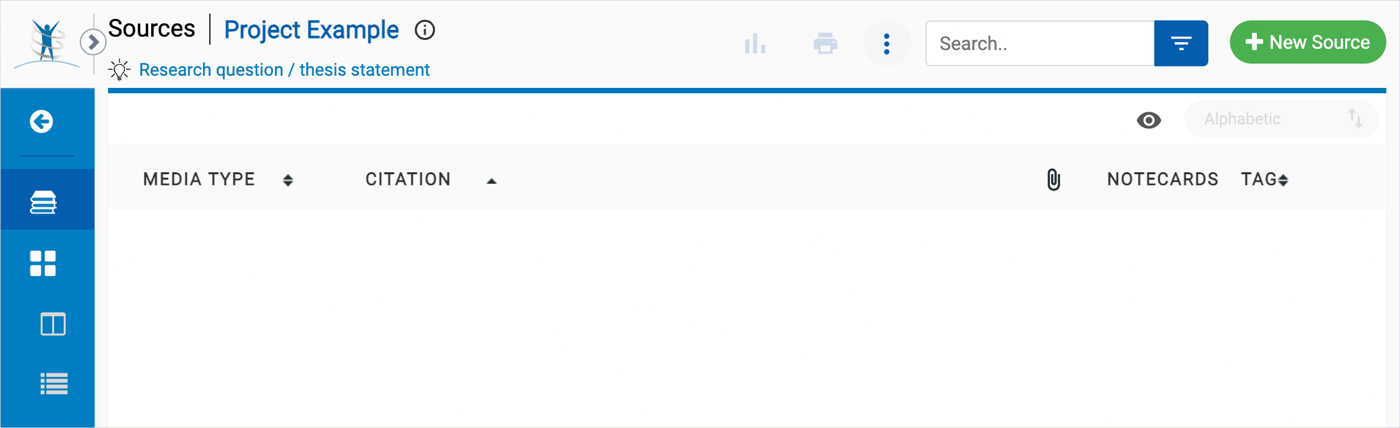
Step 2:
In Sooth, click the “…” icon associated with the article you are using. The side panel that opens provides access to bookmarking, citation, and reading levels. In the side panel, click the "Citation" link to view the metadata they have collected about the article.
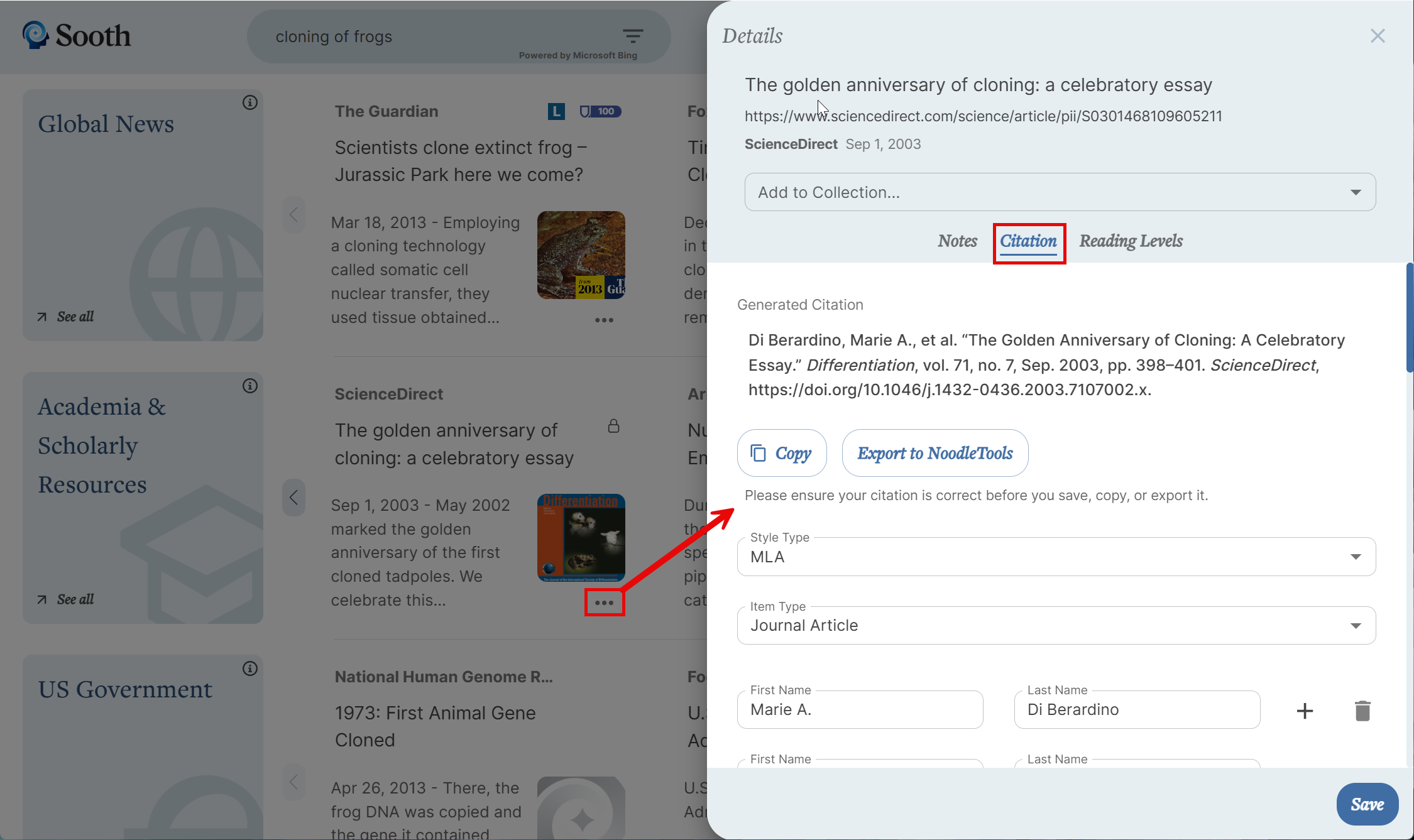
Step 3:
In some cases, Sooth may prompt you to fill in missing source information before continuing.
When you are satisfied, click "Export to NoodleTools."
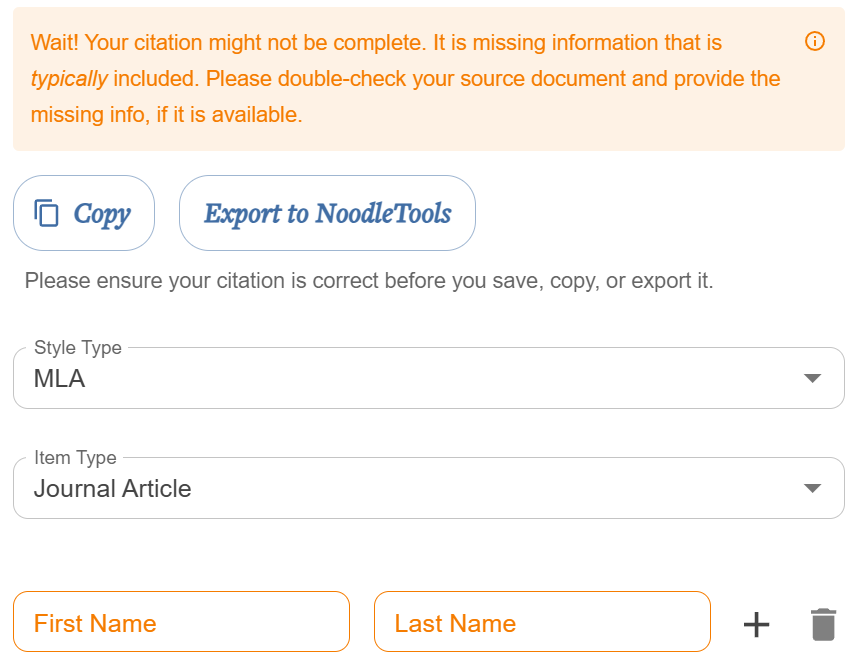
Step 4:
On the NoodleTools import screen, the citation style displayed will match the citation style of the NoodleTools project that you currently have open.
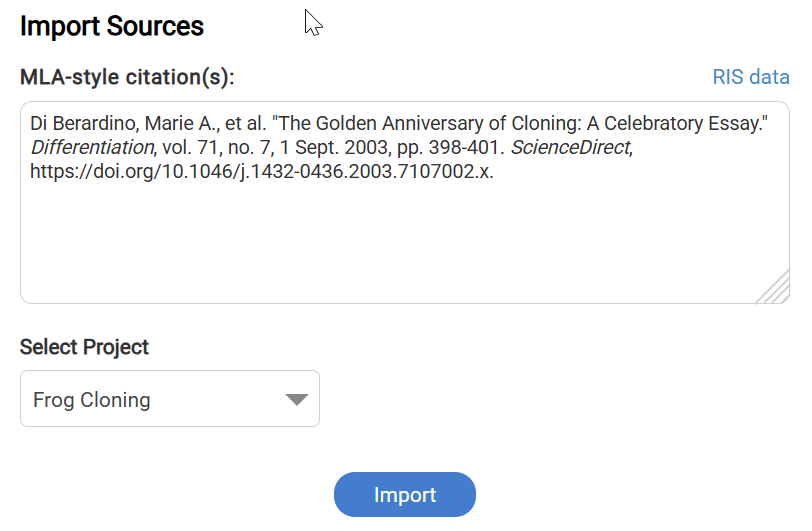
Click the blue "Import" button. NoodleTools confirms the successful import with a green message box.
Step 5:
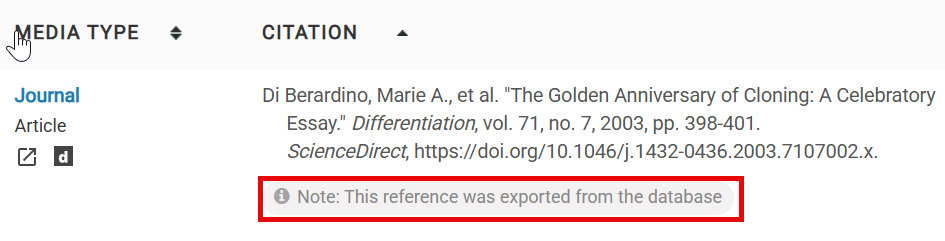
Close the the import screen browser tab and return to the Sources screen. Reload the page to view the new source citation. The entry will indicate that the citation was imported from the database, which helps remind you that you may need to make some edits.
Was this article helpful?
That’s Great!
Thank you for your feedback
Sorry! We couldn't be helpful
Thank you for your feedback
Feedback sent
We appreciate your effort and will try to fix the article